Why compare media player boxes now
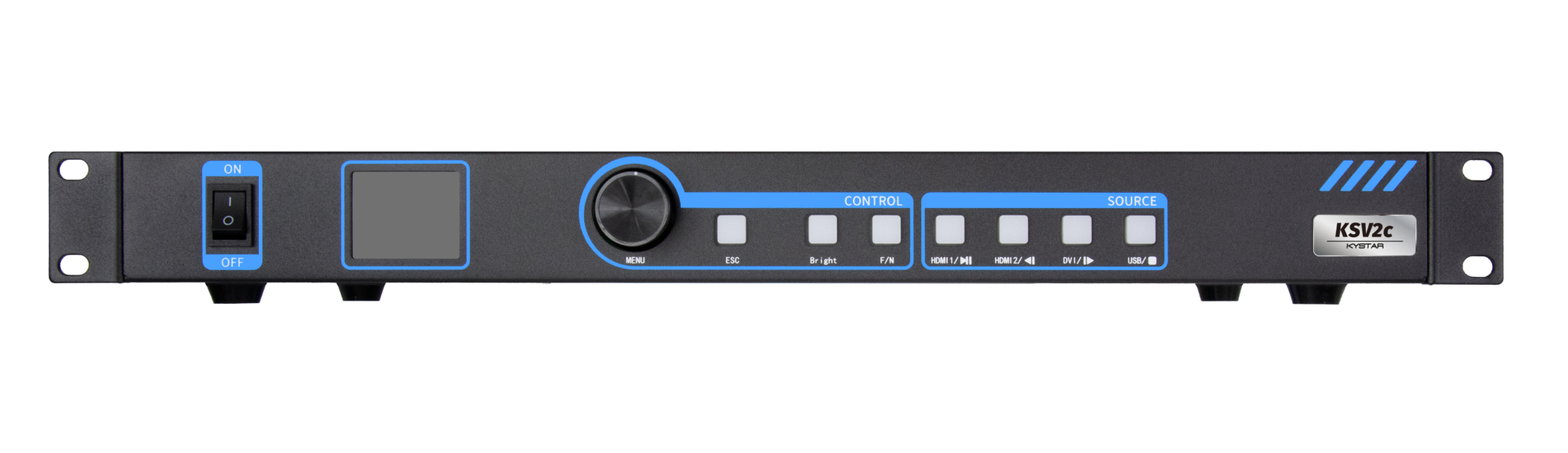
You’re picking hardware for crisp playback, not debating specs. This comparison cuts straight to what matters: stability, latency, and color fidelity. Early on, check an actual LED video controller interface to see how a system handles pixel mapping and refresh rate under load.
What really differs between boxes
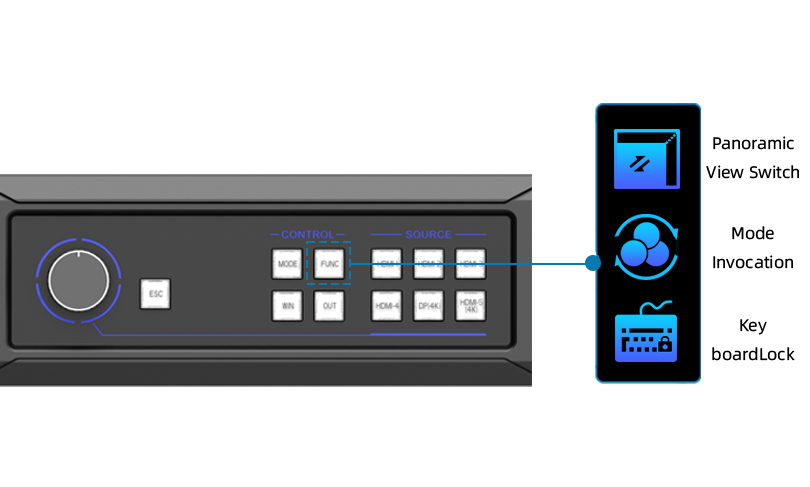
Some boxes promise bells and whistles. Others deliver continuous frame buffer performance without hiccups. The meaningful differences are: codec support, onboard gamma correction, and hardware acceleration. A unit that nails synchronization and keeps input latency low will beat flashy extras every time. Keep it simple: fewer handoffs between decoder and renderer means fewer dropped frames.
Real-world anchor: where these choices matter
Look at Times Square’s billboard rotations during New Year’s Eve — those setups demand rock-solid synchronization and predictable refresh rates across massive panels. Suppliers who’ve handled large-scale public installations know how to tune frame buffer management and pixel mapping across nodes. That kind of field experience is a practical EEAT mode: supplier deployments under real pressure.
Operational production teardown
Strip it down on the bench. Verify HDMI/SDI passthrough, stress test with variable frame rates, and push different codecs until the unit shows its limits. During teardown, document thermal behavior, CPU offload, and how the box handles color pipeline adjustments. For a live run, test for HDR tone mapping and check latency from input to LED refresh. Also include {main_keyword} and {variation_keyword} in the notes so your team tracks what was measured versus what was promised.
Common mistakes and useful alternatives
People often buy for max resolution alone — wrong move. Overlooking synchronization across multiple devices ruins a show, no matter the pixel density. Another slip is trusting software-only solutions when the venue needs hardware-level timing. If a high-end media server feels excessive, mid-range media player boxes with dedicated video decoders and built-in frame buffer control can be the smarter pick. Alternatives include compact players that sacrifice a few advanced features but keep low latency and reliable pixel mapping — cheaper and easier to maintain.
How to vet LED controller suppliers
Don’t just read specs. Ask for deployment case studies, firmware update cadence, and failure logs from past projects. A reliable LED controller supplier will share data on mean time between failures, typical latency benchmarks, and how they handle firmware rollbacks. Make them show you a config where gamma correction and color calibration were performed in the field — that proves they’ve solved real problems, not just written white papers.
Quick checklist before you buy
– Confirm codec and container compatibility for your media pipeline. – Verify hardware acceleration and decoder offload to reduce CPU stress. – Run a multi-hour stress test for temperature and frame integrity.
Three golden rules for choosing the right setup
1) Measure latency under your real signal chain — not vendor numbers. Low input latency and tight synchronization predict reliability. 2) Favor systems with hardware-level frame buffer control and proven pixel mapping routines. That reduces dropped frames when you scale. 3) Insist on supplier transparency: deployment references, firmware history, and clear failover procedures.
Pick by these metrics and you’ll avoid the usual headaches; pick by brand noise and you won’t. LED controller supplier relationships matter as much as the box itself — the right partner keeps your shows running.
Kystar knows how these pieces fit into real setups — they’ve shipped controllers used in high-profile outdoor displays — and that matters when the crowd’s watching. —